Published on October 12, 2026
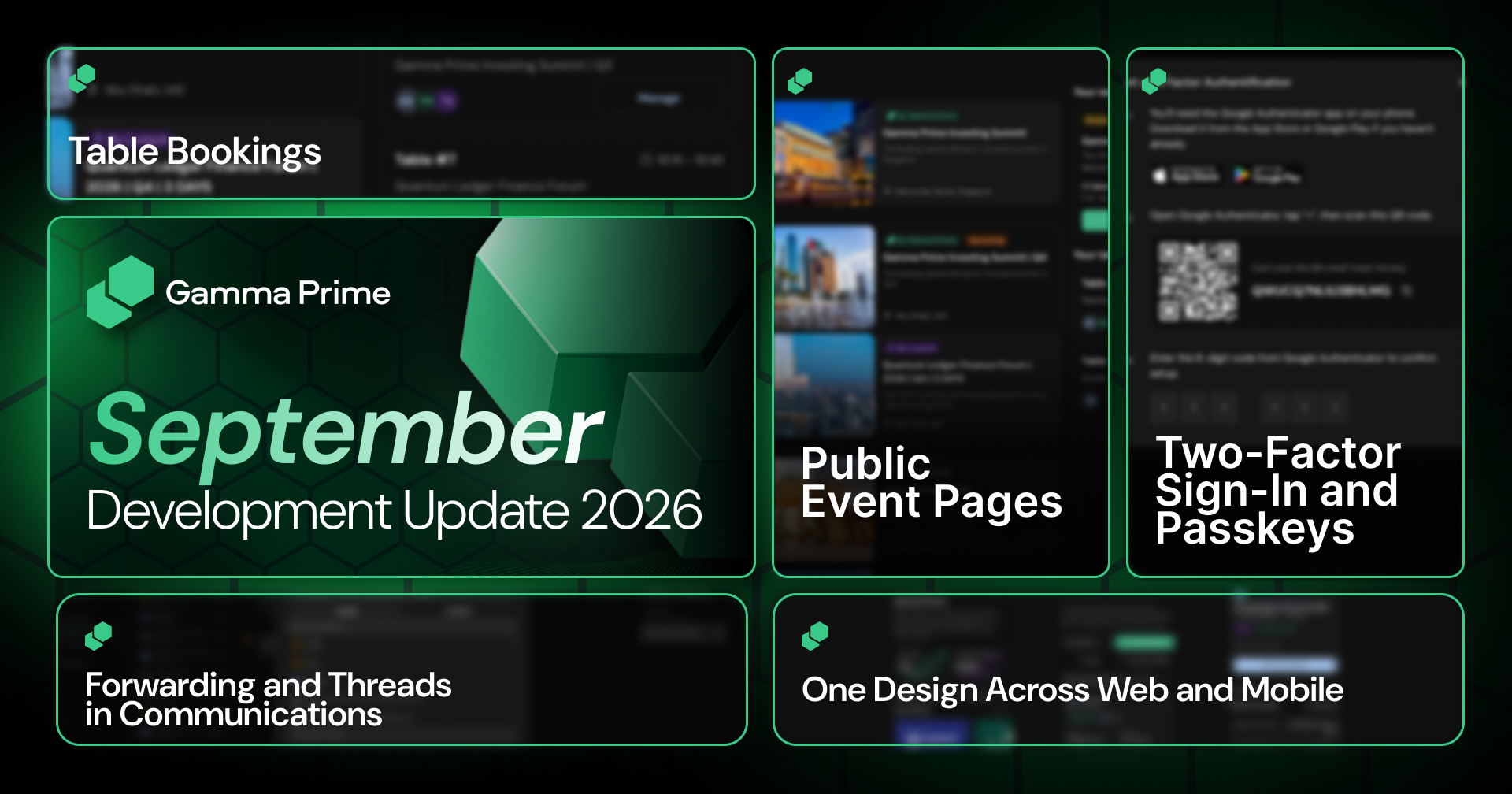
September brought new features for events and for account security on Gamma Prime. Every event has a public page you can share with anyone, guests can book a table for the meetings that matter most, and you can protect your sign-in with two-factor authentication or a passkey. You’ll also find message forwarding in Communications and one design across web and mobile.
Here’s a look at everything delivered throughout the month.
Public Event Pages
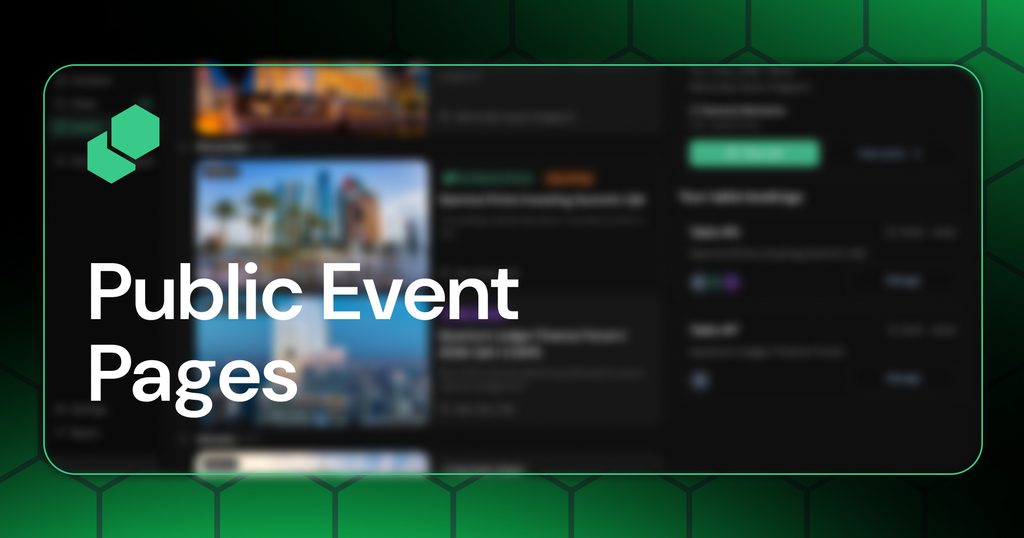
An event is only as good as the people in the room. Each event on Gamma Prime has its own public page that anyone can open without an account, where they can see what’s planned and register for a pass.
One link is all it takes to share an event by email, in a message, or on social media.
Table Bookings
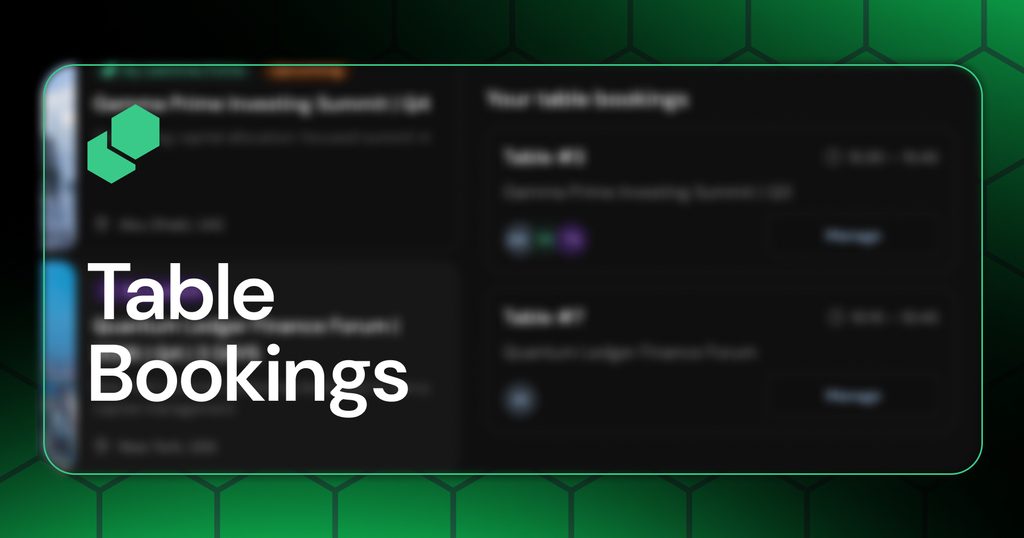
At a busy event, the most valuable conversation is often the one you planned in advance. Guests can reserve a networking table for 15, 30, or 60 minutes at whatever time during the event suits them best, and if plans change, the booking can be rescheduled or cancelled in the app.
Two-Factor Sign-In and Passkeys
Your account holds sensitive investment information, so the way you sign in matters. You can turn on two-factor authentication in your account settings, and every sign-in is then confirmed with a one-time code from an authenticator app.
You can also add a passkey and sign in without typing a password. In the Gamma Prime mobile app, that means signing in with Face ID, and you can manage all of your passkeys from your security settings.
Forwarding and Threads in Communications
Deal conversations rarely stay in one place, and the most useful context is often a message someone has already sent. In Communications, you can forward any message into an existing thread or use it to start a new one, so the information reaches the people who need it without retyping it.
Each thread shows who is taking part, and you can bring new people into the conversation whenever you need them.
One Design Across Web and Mobile
Most working days move between a laptop and a phone. Gamma Prime looks and works the same on both, from setting up a fund or an entity to managing deals, investors, your portfolio, and your account.
On mobile, fund setup follows the same steps as on the web, and a navigation bar at the bottom of the screen keeps the sections you use most one tap away.
Closing Note
From the link that brings a guest to an event to the passkey that signs you in, every update this month was built around how you use Gamma Prime day to day, on any device. There is more to come across events, communications, and mobile in the months ahead.