
Published on August 3, 2026
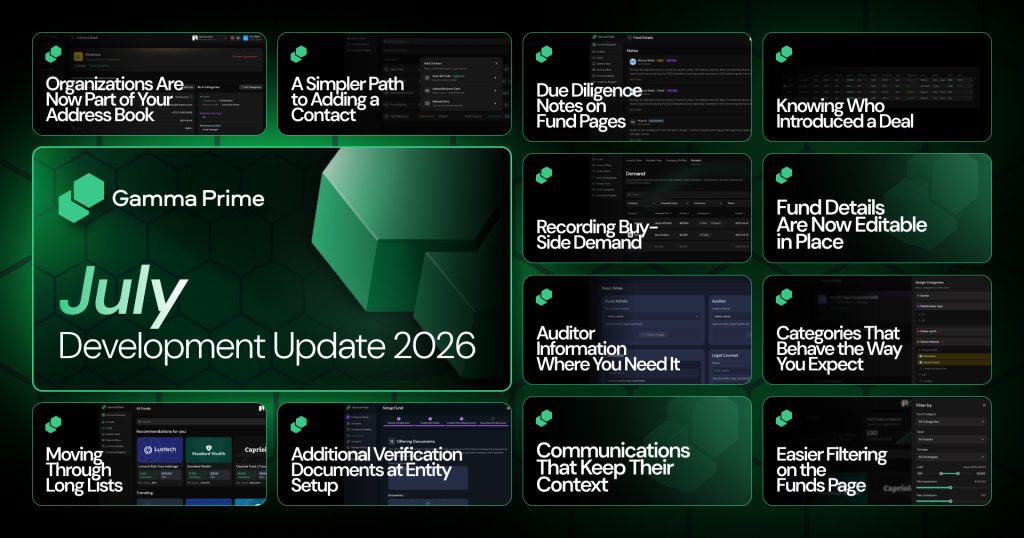
July was a month of removing friction from the work that fills most of your day. Keeping track of who you know and recording what you learn about a fund. Alongside a substantially rebuilt Address Book and shareable due diligence notes to fund pages, made fund details editable in place, and tightened up dozens of smaller interactions across the platform.
Here is a look at everything delivered throughout the month.
Organizations Are Now Part of Your Address Book

Much of private markets runs through firms rather than individuals, but until now the Address Book could only hold people. An organization existed as text on somebody’s profile, which meant there was no single place to see a firm, the people you know there, or your own notes about it. Organizations are now contacts in their own right.
Each organization has its own detail view with an editable Overview tab covering organization information, categories, and your notes, plus a Linked Contacts tab listing the people associated with it. You can add contacts to an organization directly from that tab, searching your existing contacts or creating a new one on the spot, and unlink anyone who no longer belongs.
Organizations also appear in your contacts dashboard alongside individuals, and the Contact Type filter now lets you narrow to organizations, legal entities, or individuals.
Working across the two directions is now symmetrical. A person’s affiliations tab shows the organizations they are linked to, linked contact rows are clickable straight through to that person’s profile, and unlinking prompts a confirmation that makes clear the contact is only being unlinked rather than deleted. Organizations you created manually can be deleted from their own detail view when they are no longer relevant.
A Simpler Path to Adding a Contact

Adding someone to your Address Book used to mean filling in a bare form and finding out what was wrong with it after you submitted. Both the individual and organization flows have been redesigned into a guided sequence, starting with a clear toggle between the two, with required fields marked and duplicate names caught before you go any further.
Validation now happens as you type rather than after you submit. Malformed email addresses and phone numbers are flagged on the field itself, errors clear as soon as you fix them, and optional phone rows you opened but left blank no longer block the contact from being created. When you type an organization name, existing matches are listed first with the option to create a new one below them, and the whole suggestion row is clickable rather than just the label.
The modal itself also behaves better. It now sizes to its content so all the entry options are visible at once without internal scrolling, works properly on mobile, shows placeholder avatars for contacts without a photo, and no longer clips the lower edge of the website, notes, and social media controls.
Due Diligence Notes on Fund Pages

Diligence findings tend to live in a document nobody else can see, which means the same questions get asked repeatedly about the same fund. Fund pages now carry two clearly separated notes sections: private notes visible only to you, for impressions, questions, and reminders, and public notes visible to everyone with access to that fund, for findings, red flags, and commentary.
Public notes are listed newest first and show the author’s name, avatar, and timestamp. Editing a note keeps its previous versions, marks it as edited, and makes the earlier text available through a Show history action, so commentary that changes as diligence progresses stays honest about how it got there. Each public note also has its own shareable link that opens the fund page scrolled directly to it, which makes it straightforward to point a colleague at one specific observation rather than a whole page.
Knowing Who Introduced a Deal

When an offer changes hands, the question of who brought it matters for fees and for credit, but the offer record had nowhere to capture it. The Offer Details step now includes a Seller field, searchable across your address book and your own entities with a shortcut to add a contact who is not there yet, and an Introducers field that accepts several names, limited to verified users and legal entities who have signed the Introducer’s Agreement.
Those details carry through to the tables where offers are reviewed. Seller and Introducer now appear as columns with their own filters in My Offers and in Available Opportunities, empty introducer fields render cleanly rather than as blanks, and both names link back to the address book. A confidence score, expressed in words rather than numbers and color coded, can be set when an offer is posted or adjusted inline from the opportunities table without opening the offer.
There is also a new way to look across companies rather than one at a time. A Company and Global view toggle opens a single Available Opportunities table spanning every company, with a leading Company column showing each company’s logo and name, the same filters as the standard view plus a company filter, and columns you can show or hide as needed. Separately, searching for an introducer now queries the full set of eligible contacts rather than filtering only the names already loaded on screen.
Recording Buy-Side Demand
Interest in a company usually arrives as a conversation and then disappears into somebody’s inbox, which makes it hard to know how much appetite actually exists when supply appears. A new Demand tab records buy-side interest against listed companies, with the number of active entries and the total demand in dollars shown at the top of the tab.
Fund Details Are Now Editable in Place

Keeping a fund’s information current used to mean leaving the page that displays it and returning to the setup flow to change one number. Fund managers and administrators now get a management view of the fund page with the same layout as the public one and inline editing throughout, so a correction is made where the problem was noticed.
Auditor Information Where You Need It
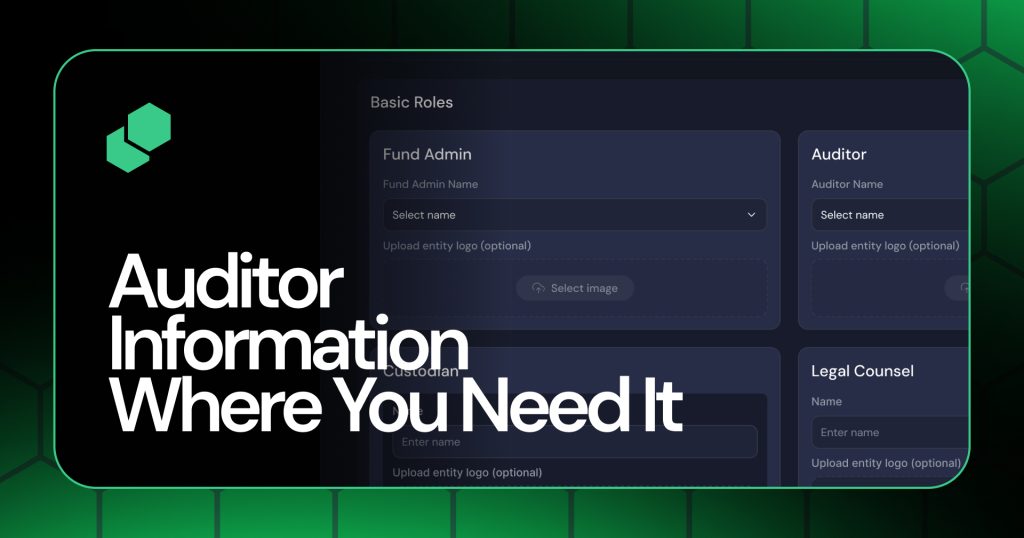
An auditor’s name typed by hand is only as reliable as the typing, and it gives a reader nothing to verify against. Auditor is now a searchable dropdown at fund setup covering the major fund audit firms, with the firm’s logo filled in automatically on selection. Choosing Other still allows any auditor to be entered, with a name, a website, and a logo upload that appears only when it is actually needed.
On the fund page itself, the auditor now has a small information panel showing the name, logo, and website, so a reader can confirm who signed off without leaving the page.
Categories That Behave the Way You Expect
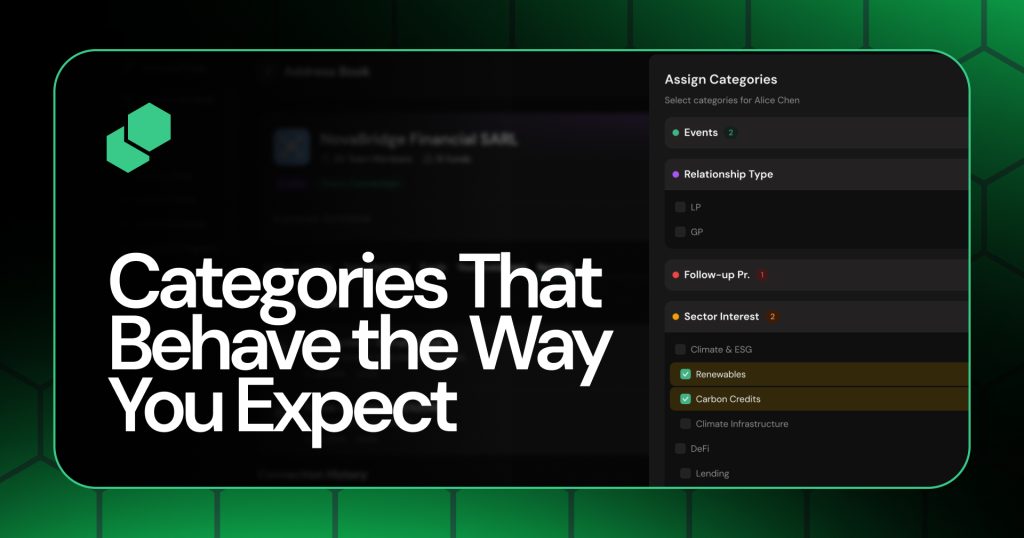
Categories are useful for finding contacts only if selecting them is predictable, and nested categories are not. Selecting a sub-category now automatically selects every parent above it, and clearing a parent clears the categories beneath it, so a selection means the same thing whichever level you started from. Top-level sub-categories, which previously could not be selected at all, now can be.
Filters also give you more to go on. Each category now shows how many contacts it contains, categories with no options are hidden from the assign flow while remaining editable in the category manager.
Easier Filtering on the Funds Page

Filters that hide themselves inside collapsible sections tend not to get used. The range filters on the Funds page, including AUM, minimum investment, and maximum drawdown, are now shown inline and already expanded in the filter panel rather than nested one click away.
The Categories dropdown also changed behavior to match what it looks like it should do. Selecting a category now scrolls the page to that category’s carousel instead of filtering the other funds out of view, and only one category can be selected at a time.
Communications That Keep Their Context

Messaging in the wrong context is an easy mistake to make and an awkward one to correct. The recipient list now reflects the account you are currently in, so switching from your personal account to an entity updates who you can write to instead of continuing to show the previous list. Inquiry threads also display the date the inquiry was received, which makes an older conversation easier to place.
Two smaller fixes round this out. Shift and Enter now inserts a line break in the message field, with Enter still sending, so longer messages can be structured properly. Inquiries sent from a deal now open a thread with Gamma Prime or with the provider’s desk as intended, where previously they failed with a permission error.
Additional Verification Documents at Entity Setup
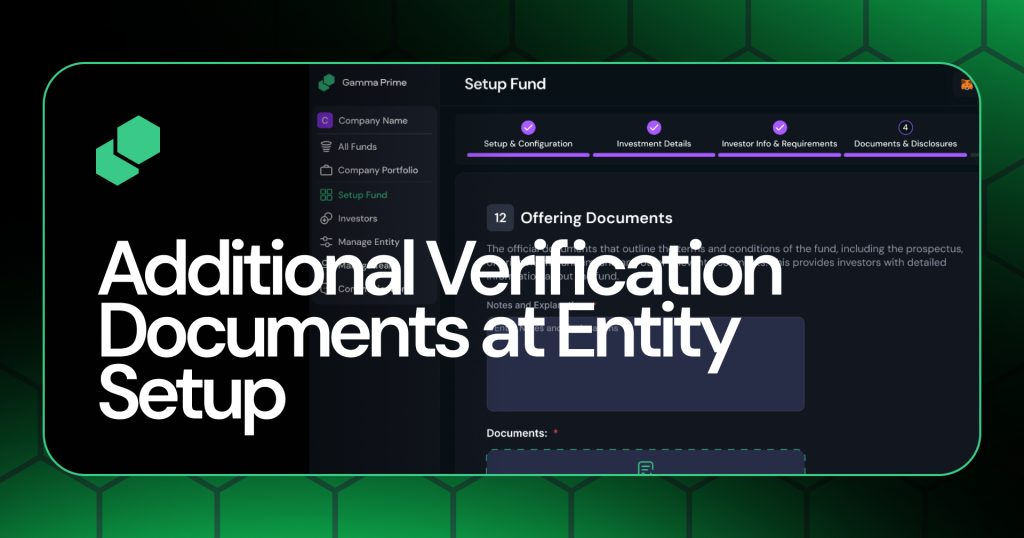
Entity verification now asks for a proof of address alongside the certificate of registration. A certificate of good standing is also requested where the entity’s date of formation makes it applicable, so entities that do not need one are not asked for it.
Moving Through Long Lists

Pagination has been replaced with infinite scroll in the Address Book and across the administrative dashboard lists for funds, entities, users, and analytics. Additional results load as you approach the bottom of a list and append to what is already there, without resetting your position, and your active filters, search terms, and tab selection stay applied throughout.
Closing Note
July’s work concentrated on the places where the platform was making you do more than the task required – retyping firm names, keeping diligence findings somewhere private because there was nowhere to put them.
The Address Book now models organizations the way people actually work with them, deals have a view built for moving them along, and fund pages hold both the record and the reasoning about it. We will keep working through the details, and there is more coming across deals and fund management in the months ahead.